Skin Analysis
An overall appearance score, apparent skin age and 16 cosmetic concerns, usually in under a minute. A face map traces the photo while it's analysed.
Skin.OS Smart Mirror
The Skin.OS Smart Mirror brings Skin Analysis and Hair Try-On to one touchscreen mirror. Your team runs the visit, and your clients see their scores, highlights and new looks on their own photo.
A cosmetic consultation experience for spas and hair salons.
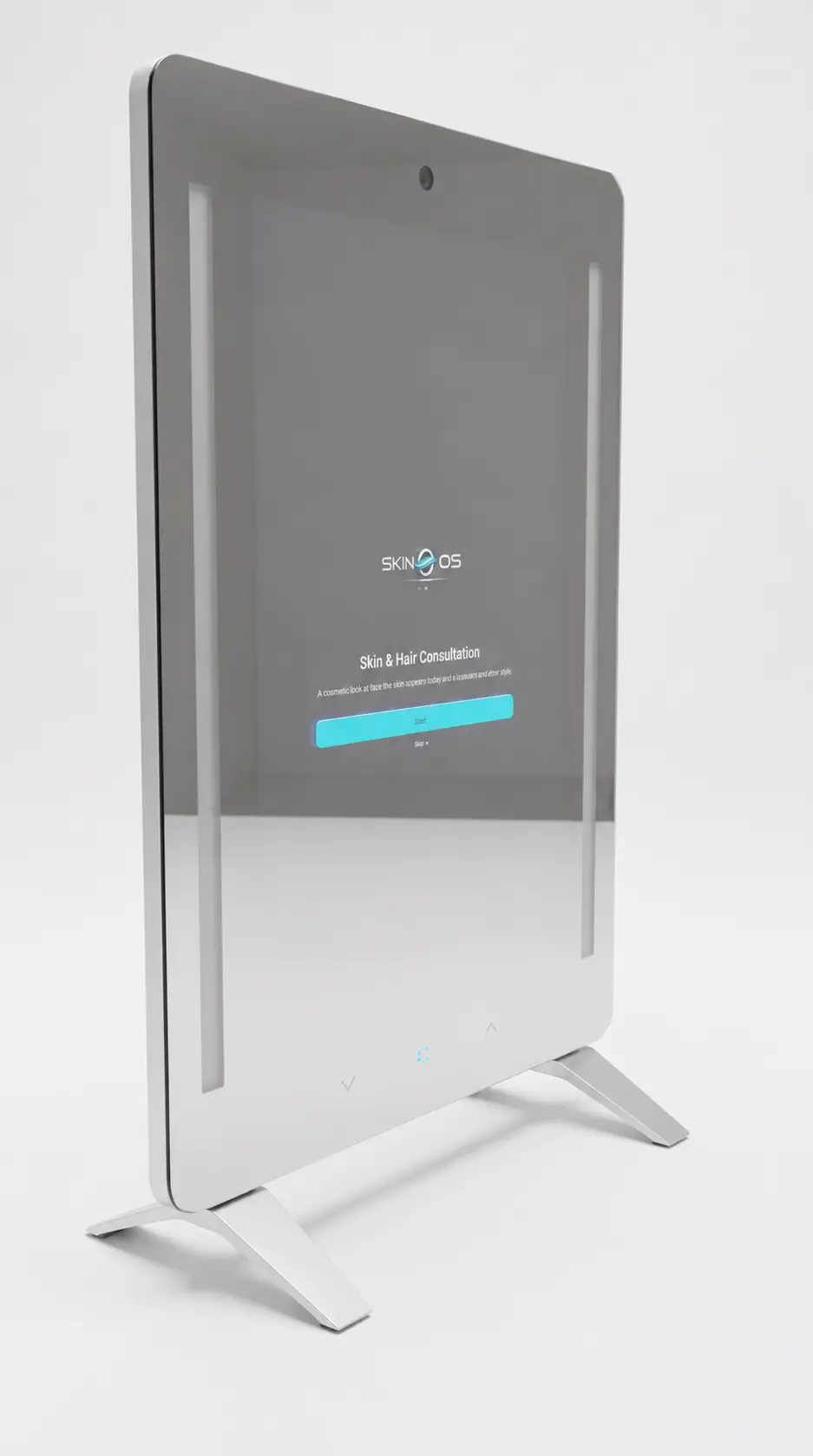 12 MP camera
21.5-inch touchscreen
What it does
Start with Skin Analysis or Hair Try-On, or follow a skin analysis with a hair try-on. Your team chooses with the client, and each business can offer one service or both.
An overall appearance score, apparent skin age and 16 cosmetic concerns, usually in under a minute. A face map traces the photo while it's analysed.
Tap a score or a highlight to see that concern up close on the client's own photo, area by area.
Returning clients can compare today's scores with an earlier visit: higher, lower or about the same.
Hairstyles and hair colours shown on a photo of the client, from women's and men's collections.
Up to three products from your catalogue, each with the reason it was suggested. Tap one for its description, how to use it, size and price.
Suggestions from your own service menu based on today's results, with duration and price, and the rest of your menu alongside.
Clients scan a QR code to open their results on their phone, with their highlights and a printable PDF report.
The built-in light switches to a set brightness and colour for each photo, so capture starts from the same light every time.
The visit runs in English or Spanish, chosen at the start.
What the analysis covers
Every score describes how the skin appears in the photo, with a plain-language explanation of what it means. Light, angle and make-up can all change the result.
Hair Try-On
Clients see hairstyles and hair colours on a photo of themselves, and can put a new colour on a style they've chosen.

12 women's and 6 men's styles, and 10 colours with plain names like Honey Blonde and Copper Red.
Six results shared across styles and colours. A colour on a chosen style counts as two.
Try-on images show on the mirror only and are never sent by QR code or email. The mirror clears them when the visit ends.
Each image is a visual simulation made from the client's photo. Their own hair, its starting colour, the light and the stylist's technique can all change how the result looks. It is not a guarantee of the final salon result.
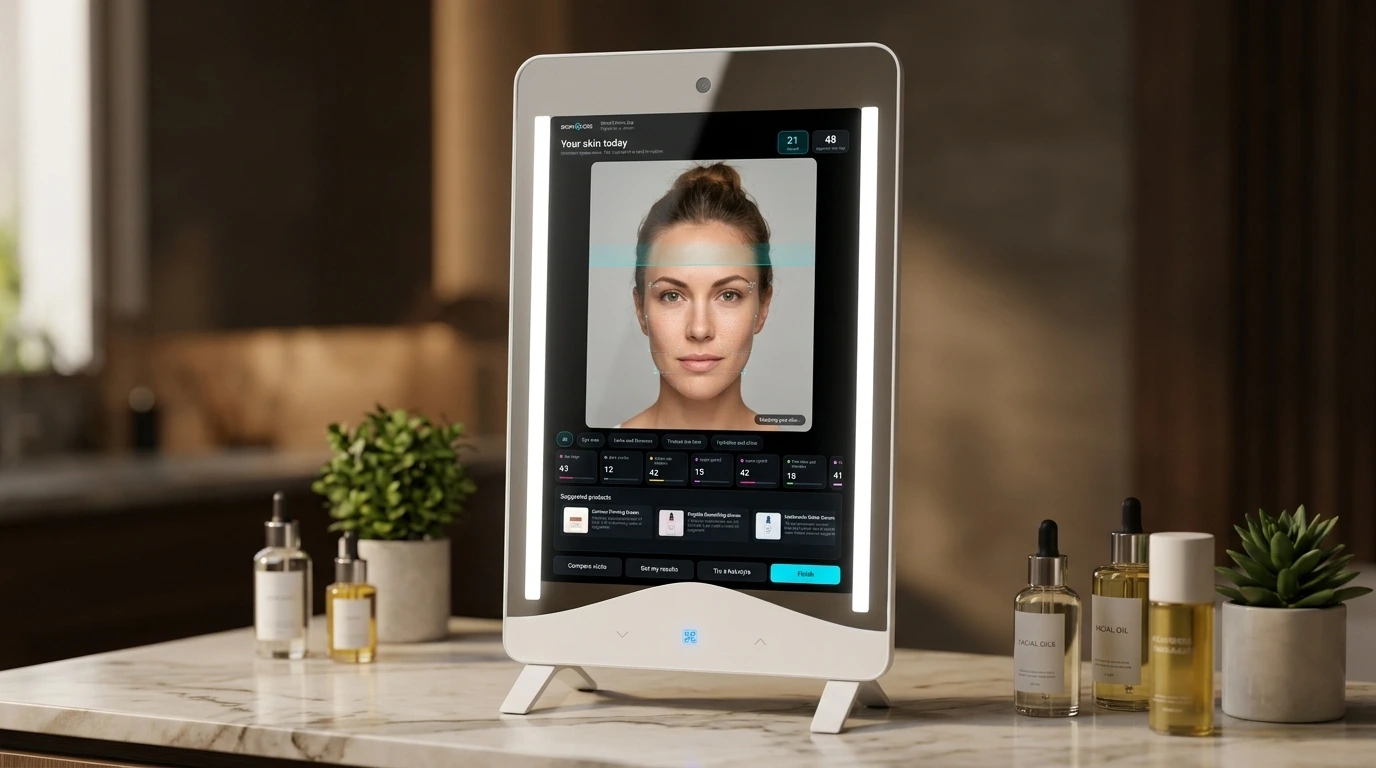
Made for your team
Staff sign in on the mirror and guide each visit from the touchscreen. It fits in a consultation room, at a styling station or in a skincare studio.
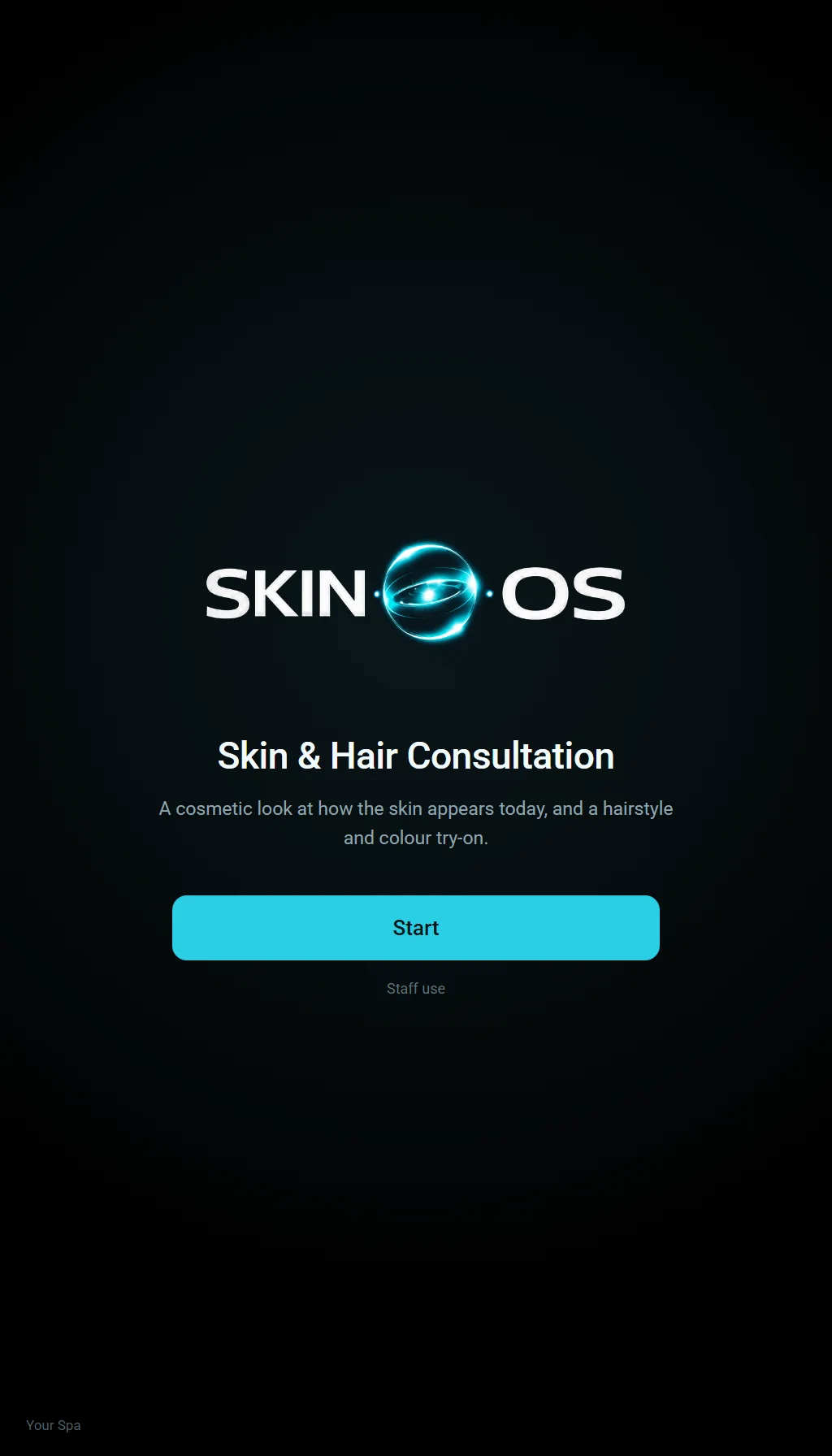
Choose English or Spanish, sign in on the mirror, and find or add the client.
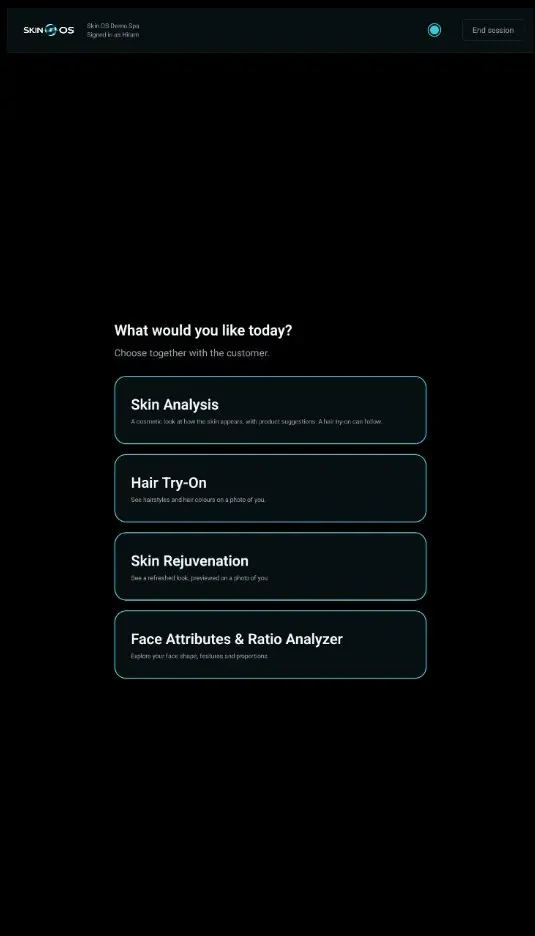
Pick Skin Analysis or Hair Try-On together. A hair try-on can also follow a skin analysis.
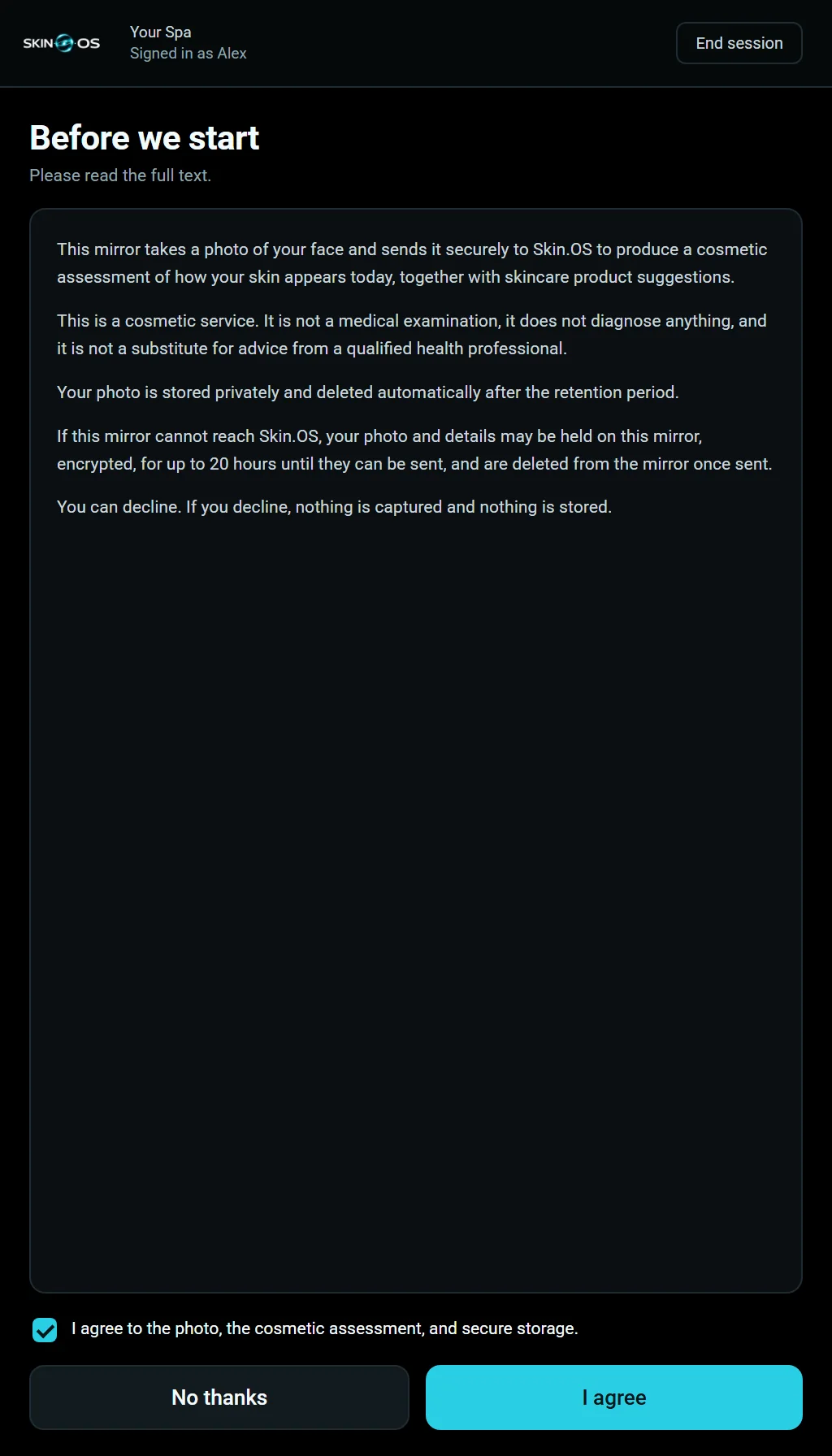
The client reads and accepts the consent on screen before the camera starts. If they decline, nothing is captured.
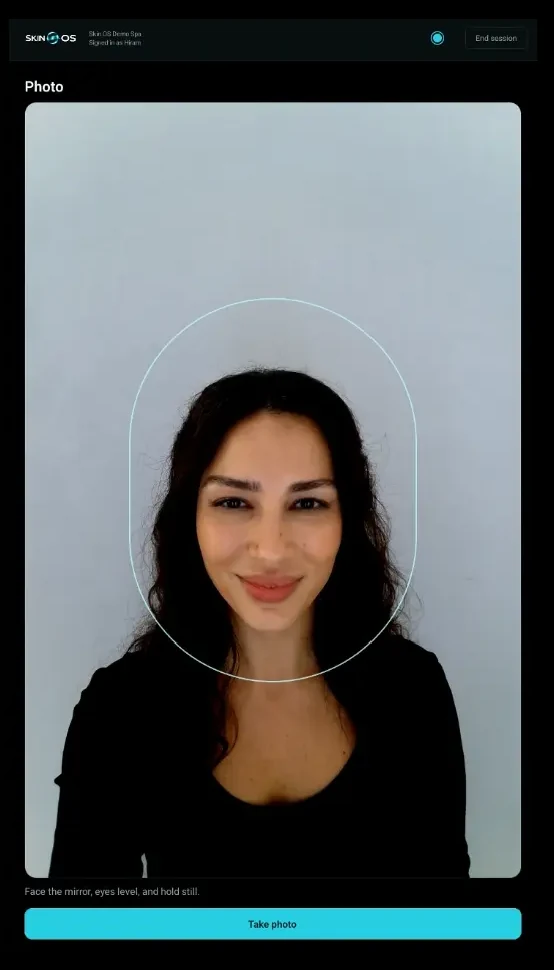
A face guide and a lighting hint help line up the shot, and the client checks the photo before it's used.

Scores, highlights, and product and spa service suggestions for skin. Style and colour try-ons for hair.

The client can scan a QR code to take their skin results. Finish, End session or an idle timeout clears the visit and returns the mirror to the welcome screen.
Screens from the Skin.OS mirror app. The faces, products and spa shown are illustrations.
On the way
Two more services are planned for the mirror. They aren't available yet.
See a refreshed look, previewed on a photo of you.
Explore your face shape, features and proportions.
Privacy on a shared mirror
A mirror in a shared space has to forget the last client. The next person in the chair should never see the one before them.
Consent is recorded before the camera starts, with a separate consent for Hair Try-On.
Finish clears the visit from the mirror, and the next client starts at the welcome screen.
A visit left idle closes by itself and clears the same way.
Photos are kept in private storage and opened only through short-lived, signed links.
QR code links to results expire, and the spa can switch them off at any time.
Each mirror has its own revocable credential, needs staff sign-in and runs only the Skin.OS app.
The mirror
From the manufacturer's current specification. Details may change before production.
A little more clarity
Spas, hair salons and skincare studios that want a more visual consultation. Each business can offer Skin Analysis, Hair Try-On, or both.
A team member signs in on the mirror, finds or adds the client, and chooses the service with them. The client gives consent, the mirror takes a photo, and the results appear on screen. Finish clears the visit and returns the mirror to the welcome screen.
An overall appearance score, apparent skin age and 16 concerns across the eye area, lines and firmness, texture and tone, and hydration and shine. Results usually take under a minute.
The client picks from 18 hairstyles and 10 colours, and sees each one on a photo of themselves, with up to six results a visit. Each image is a visual simulation, not a guarantee of the final salon result.
The client gives consent first, and if they decline, nothing is captured. Skin photos are kept in private storage and opened only through short-lived, signed links. Hair Try-On images show on the mirror only, and the mirror clears every photo at the end of each visit.
They see them on the mirror during the visit, and can take their skin results with them by scanning a QR code. It opens a phone page with their highlights and a printable PDF. The link works for a limited time, and the spa can switch it off.
Cosmetic assessment only. This is not a medical diagnosis and does not replace advice from a qualified health professional.
Email [email protected] with your name, business, location and what you would like to see. The Skin.OS team can show you the mirror and arrange the next step.
For spas and hair salons
Tell us about your spa or salon, and we'll arrange a demo.